PDF to QBO Converter: Transform Documents into QuickBooks Entries
Stop spending hours on manual data entry. Learn how to extract data from bank statements and invoices with 99%+ accuracy and import directly into QuickBooks Online.
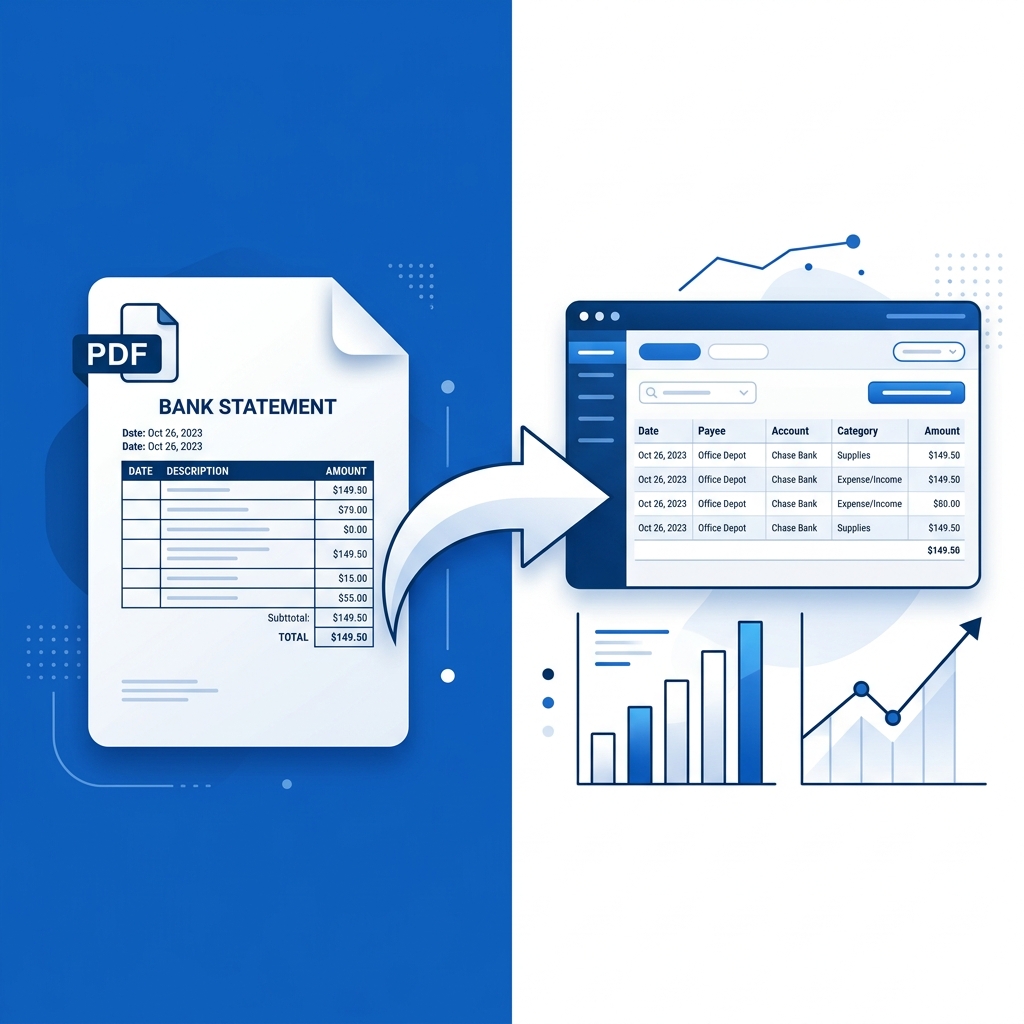
Stop spending hours manually entering bank statements, invoices, and receipts. Manual entry not only takes time but is also prone to human error, which can lead to reconciliation headaches later.
A dedicated PDF to QBO converter extracts transaction data from bank-statement PDFs and generates QBO (Web Connect) files you can import into QuickBooks Online—then you review and categorize in QuickBooks. Accuracy depends on PDF quality; always reconcile against your official statement.
Why Use a PDF to QBO Converter?
Managing financial records can be a daunting task, especially when dealing with dozens of PDF statements from multiple banks.
Key Benefits:
- Less manual typing: Get from PDF to importable QBO without rebuilding CSV columns by hand.
- Fast turnaround: One statement usually converts in seconds.
- Secure processing: Built for bank-statement workflows; sign in to use the converter.
- QuickBooks-friendly output: Standard QBO/OFX-style content for Banking → Upload from file.
Convert PDFs to QBO in a Few Steps
No software to install—use the browser. You need a free account to run conversions (see why sign-in matters).
Step 1: Sign In and Upload
Open the converter, sign in, and upload your bank or credit card statement PDF (text-based PDFs work best).
Step 2: Convert and Download
Click Convert to QBO, then download the file. There is no separate “preview grid” in the tool—your review step happens in QuickBooks after import.
Step 3: Import and Review in QuickBooks Online
In QuickBooks, go to Banking → Upload from file, map to the correct account, then review and categorize transactions before reconciling.
Text PDFs vs scanned statements
- Downloaded statements from your bank’s website usually convert most reliably.
- Scanned or image PDFs may need OCR or cleanup first—see Scanned PDF to QBO.
FAQ
What is the best program to convert PDF to QBO?
pdf-to-qbo.com focuses on bank-statement PDFs → QBO for QuickBooks Online. Sign in, upload, and download QBO. Supported layouts include major formats such as Chase and U.S. Bank; other banks may work if the PDF structure is compatible.
How do I convert a PDF to QuickBooks?
Sign in at the converter, upload your statement PDF, download the QBO, then use QuickBooks Banking → Upload from file. Review transactions in QuickBooks before reconciling.
How do you convert a PDF to QBO for free?
Pricing and free allowances depend on your plan—see pricing. The core flow is: sign in → convert → download QBO.
Can I get CSV instead of QBO?
This product is optimized for QBO import. If you need CSV, export or convert from QuickBooks after import, or use a separate spreadsheet workflow.
Start Your Error-Free Bookkeeping Today
Eliminate manual data entry and focus on what matters most—making informed financial decisions for your business. Using a dedicated converter overcomes the challenges of bulk data imports, providing a quick, error-free, and time-saving solution.
Try the PDF to QBO Converter now →
Related Reading
Ready to Get Started?
Put what you've learned into practice. Start using our platform today.
Get StartedRelated Articles

Hubdoc PDF to CSV to QBO vs Direct PDF to QBO
Compare Hubdoc’s PDF→CSV→QuickBooks path with a direct PDF to QBO converter. When CSV mapping helps, when Web Connect is faster, and how to choose.

MoneyThumb PDF to QBO vs pdf-to-qbo.com: Which Converter Fits?
Compare MoneyThumb PDF2QBO with pdf-to-qbo.com for QuickBooks: pricing, online vs desktop, OCR claims, bank coverage, and when each tool makes sense.

U.S. Bank PDF to QBO for QuickBooks Online (Step-by-Step)
Convert U.S. Bank Business Checking statement PDFs to QBO for QuickBooks Online. Sign in, upload, download QBO, and import via Banking upload.